Blog
How to Get a Barcode in Azerbaijan
GS1 registration steps, EAN-13 versus GTIN, barcode size, color and quiet zones, and how to check codes before printing labels.
Etiket.az team 8 min read
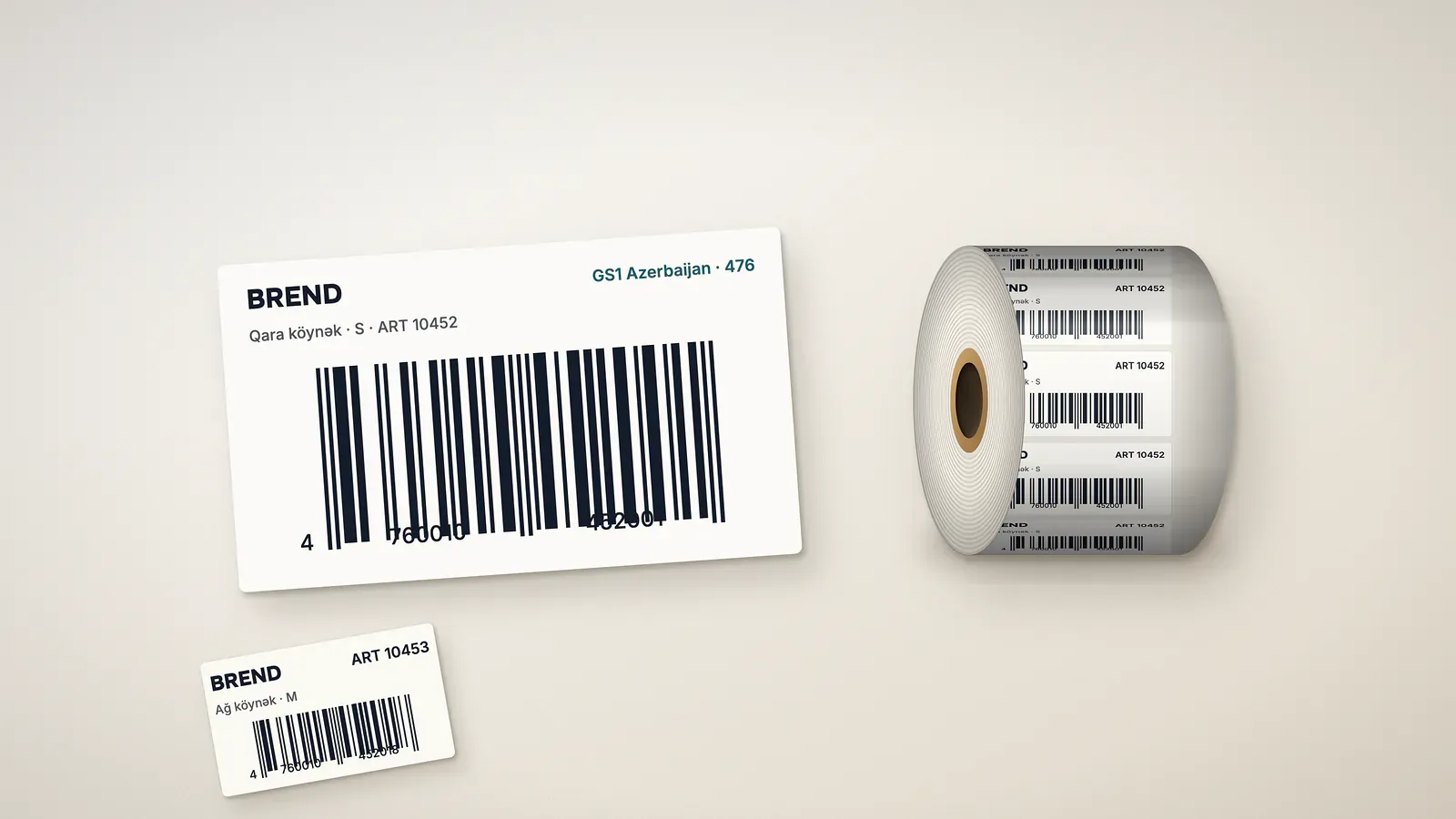
Want to get a barcode for a product sold in Azerbaijan? In short, your company registers with GS1 Azerbaijan and receives a separate number for each product. That number is a GTIN, and the familiar EAN-13 barcode on a pack is simply its graphic form. Once you have the number, you print the barcode on your packaging or label. From then on, checkouts, warehouses and online catalogs recognize the product by one code.
Etiket.az has been making labels in Baku since 2014. We do not issue official numbers, but we regularly print our clients' codes as barcode labels. That is why this guide covers both the registration steps and the printing mistakes we see most often.
What is a barcode? EAN-13 and the GTIN number
A GTIN (Global Trade Item Number) is a product's global identification number. The number itself holds no data about ingredients, price or quality. In fact, it is a key to a database record. The scanner reads the code, and the checkout software finds the linked name and price.
GS1 Azerbaijan uses the prefix 476. Its GTIN explainer (in Azerbaijani) splits an EAN-13 code into four parts: 476, a six-digit company number, a three-digit item number and a check digit. Keep in mind, however, that the prefix shows which GS1 office issued the number, not the country of manufacture.
| Code | Digits | Typical use |
|---|---|---|
| EAN-13 (GTIN-13) | 13 | Most retail products |
| EAN-8 (GTIN-8) | 8 | Small packs with little space |
| ITF-14 (GTIN-14) | 14 | Cartons and cases, wholesale and warehouse use |
| RCN-13 | 13 | Variable-weight goods: meat, cheese, fruit |
For variable-weight goods, GS1 Azerbaijan applies the RCN-13 format. Prefixes 20–22 work only inside one company, while the organization itself assigns codes with prefixes 28–29. For example, a code on sliced cheese carries both the product and its weight.
Who issues barcodes in Azerbaijan: GS1 Azerbaijan
In Azerbaijan, GS1 identifiers come from the GS1 Azerbaijan public association, a member of the global GS1 system. Under its rules, any legal entity or sole trader can join, whatever the industry. Because GS1 is a global system, a code issued here stays unique abroad as well. This matters especially for producers who plan to export.
Importing branded goods? Products that already carry a GTIN from another GS1 office, for example in Türkiye or Germany, keep that number in Azerbaijan too. The brand owner assigns it once, and it works worldwide. Still, ask your retail partner which product data it needs.
Barcode registration in Azerbaijan, step by step
So how do you get a barcode in practice? According to the membership rules on the GS1 Azerbaijan website (available in Azerbaijani and Russian), the process boils down to six main steps:
Step 1: Apply
First, register online on the GS1 Azerbaijan website or visit the organization's office.
Step 2: Sign the documents
Then sign the application, the contract and the agreement on electronic registration.
Step 3: Pay the invoice
Once your documents are complete, the organization sends an invoice for the amount in the contract, and you pay it.
Step 4: Prefix and certificate
After payment, your company receives a GCP (company prefix), a GLN and a registration certificate. Login details for your personal account arrive by email.
Step 5: Order GTINs
In your personal account, you order a GTIN for each new product. After review, the numbers arrive in your account within the period set in the contract.
Step 6: Put the barcode on the label
Finally, you assign the numbers to products and place the barcode on the label or pack.
Note that an annual membership fee confirms your right to use GS1 identifiers. You will see the amount in your contract, so ask the organization for current figures. We do not quote GS1 fees, because they can change.
Which documents do you need?
GS1 Azerbaijan describes registration for legal entities and sole traders separately, so confirm the exact document list with the organization. Our advice is to prepare a product list in advance. Include each item's name, weight or volume and pack type. That way, you see right away how many GTINs you need.
One number for every variant
The core GS1 rule is simple: every product with different consumer properties gets its own number. For example, if 0.5-liter and 1.5-liter bottles of one mineral water share a code, the checkout treats them as one product. As a result, the receipt will show the wrong price. In addition, a single pack and a 6-pack or 12-pack need different codes. A change of flavor, color, size or model also calls for a new number.
The risks of an unregistered barcode
Plenty of free online generators will draw bars from any digits you type. However, if your company does not hold the number in the GS1 system, the code may clash with someone else's product. What is more, GS1 Azerbaijan publicly lists companies excluded from the system and treats their codes as unregistered. Its notice states that false information on labels breaches the Competition Code and the Law on Food Safety, and that such producers may face administrative liability.
To check who owns a code, use the Verified by GS1 service. Enter a GTIN, and it shows the brand owner. In short, registering with GS1 is the only reliable way to get a barcode for retail.
EAN-13 barcode size, color and quiet zones
A scanner reads a barcode reliably only at the right size and contrast. Under the GS1 standard, the nominal size of an EAN-13 symbol, including quiet zones, is about 37.3 × 25.9 mm. You can print it at 80 to 200 percent of that size, but do not go below 80 percent.
Key EAN-13 parameters
- Nominal size (100%)
- About 37.3 × 25.9 mm, quiet zones included
- Magnification
- 80% to 200%
- Narrowest bar (100%)
- 0.33 mm
- Quiet zones
- 11 modules left, 7 right (about 3.6 and 2.3 mm at 100%)
- Colors
- Dark bars on a light background, ideally black on white
- Placement
- Back of the pack, away from folds, seams and edges
- File format
- Vector: AI, PDF, EPS or SVG
Contrast is the main rule for color. Bars should be dark: black, dark blue, dark green or dark brown. The background, in contrast, should be light, such as white. Avoid red, orange and yellow bars, because most scanners use red light and cannot tell such bars from the background. On clear or metallic labels, print a white layer under the code.
A quiet zone is the blank margin to the left and right of the code, with no text or graphics. Designers sometimes trim this margin or shorten the bars to save space. As a result, the scanner reads the code slowly or not at all. So leave the quiet zones alone and never truncate the code.
How to check a barcode before printing
- Check the check digit. The GS1 check digit calculator confirms whether the 13th digit is correct.
- Use a vector file. Place the barcode as an AI, PDF, EPS or SVG file, not as a low-resolution image.
- Print a test at 100%. Print the artwork on paper and scan it with a phone app or a scanner.
- Match every variant. Make sure each code sits on the right product's artwork, since mix-ups are a common source of errors.
- Order a professional check. Before a large run, you can have the code graded with a verifier to ISO/IEC 15416.
GS1 Azerbaijan's “GS1 AZE Barcode” mobile app also shows whether a code is registered in its database. Before printing, we recheck the code's size, quiet zones and contrast as well. If you send your code list in Excel, we check the check digits too.
Printing barcode labels
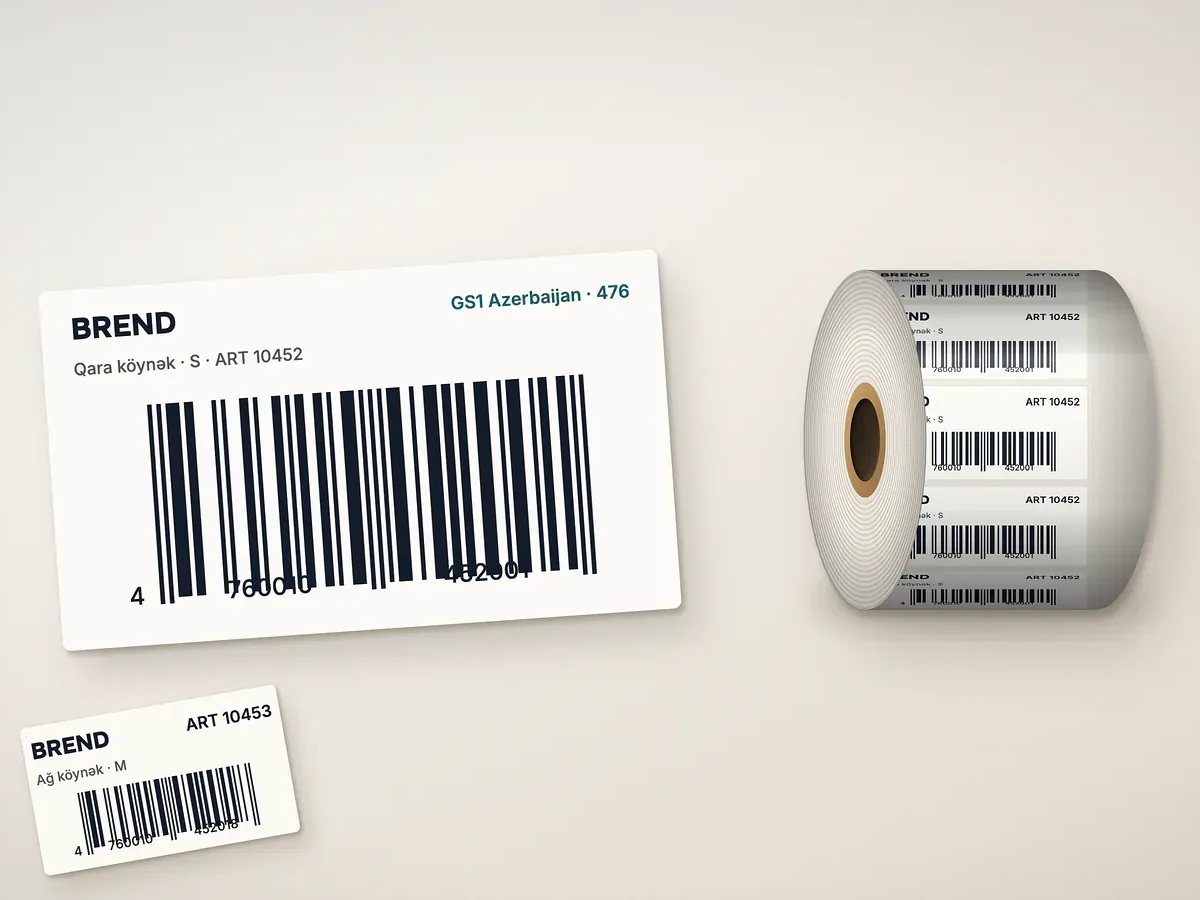
Once you get a barcode number, the next step is printing. You can apply the code in two ways. First, print it directly on the main label or packaging. Second, order separate barcode stickers and apply them to the container. If you print codes yourself on a thermal printer, you will need matching roll labels.
For sector solutions, see our retail labels and food and beverage labels pages. Besides the barcode, food packs carry other mandatory details. Our article on food label requirements explains them.
How to get a barcode: FAQ
Can I generate a barcode myself?
What color should a barcode be printed in?
Do you print barcode labels?
How long does registration take?
Does a barcode show the country of origin or product quality?
Do different weights and flavors need separate barcodes?
Get a quote for barcode labels
Send your codes, size and quantity, and get a proposal within 24 hours on business days.
Related product
Barcode Labels on Rolls and Sheets
Want to order the label discussed in this article?